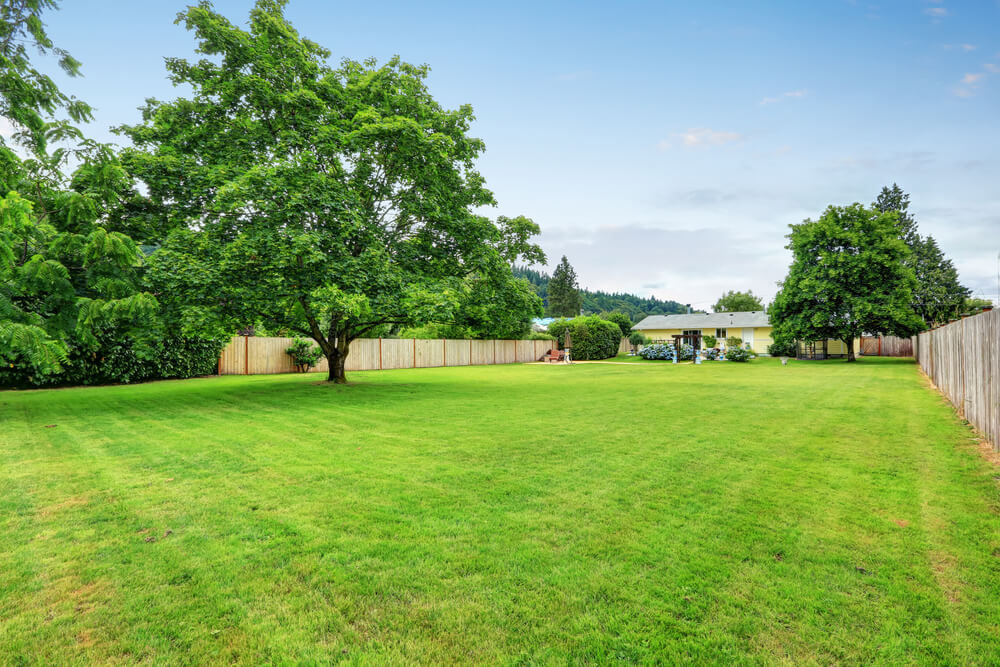
Site Photomontage

Perfect photomontages for your projects in record time.

Integration into the surrounding landscape is the centerpiece for convincing clients, planning authorities and stakeholders. Stop losing your days in Photoshop. Import your real site photo and your 3D volume, and let Klysia orchestrate the color blending, lighting and landscaping.

Launch my site photomontage

Photorealistic results. 100% online solution.

Perspective alignment and AI fusion interface between the real environment and the 3D model

Smart three-dimensional fusion and shadow harmonization

Klysia's artificial intelligence goes far beyond a simple cut-out or overlay of image layers. Our algorithm analyzes the sun's path, the exposure and the diffuse color tone of your original photograph in order to adjust the materiality of your project in real time.

The result is immediate: your building sits organically in its environment. Cast shadows on the ground, the impact on neighboring buildings and the depth of field are perfectly respected, with no manual color retouching.

Realistic vegetation and dynamic site landscaping

To build a flawless graphic presentation, the treatment of the immediate landscaped surroundings counts as much as the modeling of the architectural project itself. Klysia includes a smart vegetation tool that respects real textures.

  • AI species library: Quickly place mature trees, hedgerows and realistic ornamental beds.
  • Automated background masking: The AI handles layer overlap (existing vegetation that must stay in the foreground, low walls, fences).
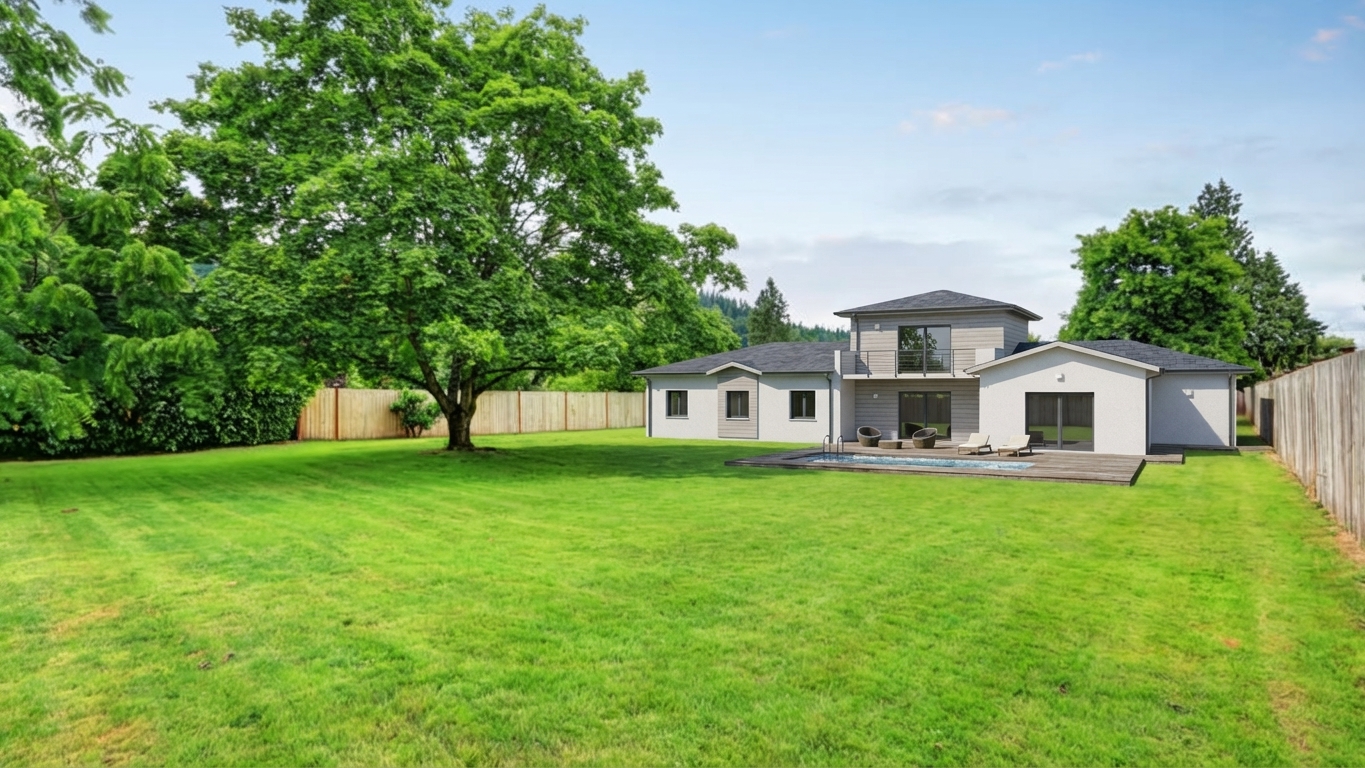
High-definition final architectural photomontage for presentation

Showcase your project to planning authorities and stakeholders

Planning officers and reviewers constantly raise their expectations for depictions of the future state. An approximate insertion or a distorted perspective gives the impression of poor urban integration.

With Klysia's high-fidelity photomontages, you make the transition between the existing site and the future project explicit. You drastically limit requests for additional documents or objections based on the impact on the surrounding area.

Frequently Asked Questions - Site Photomontage

Which 3D model files and formats do I need to upload to Klysia?
The imaging module does not require heavy or complex modeling files (IFC, FBX or OBJ). Simply take a sharp, high-resolution screenshot (JPEG or PNG) of your wireframe or white model or volumetric sketch from your drawing tool (Revit, SketchUp, Archicad, Rhino) and import it directly into our platform.
Are the generated photomontages suitable for planning authorities and clients?
Yes, absolutely. Reviewers penalize the lack of realism or major geometric distortions that prevent them from judging the materiality of the building. Since Klysia preserves the real lines of your plans and adapts the shading to the sun's path, you get high-fidelity photomontages that stand up to scrutiny.
Can the AI hide large trees or existing buildings on the site?
Our tool includes advanced inpainting features (targeted retouching). If your site photo contains elements meant to disappear (a fence to demolish, a dead tree, an old building), simply highlight the area with the brush tool. The AI will hide the element and rebuild the background seamlessly before merging your new 3D model.

Nail your site photomontages in a few clicks.

Gain responsiveness during your sketches and deliver highly professional site visuals.

Try Klysia for free