
Download and install the Revit® ribbon (.exe)
Revit® 2024, 2025, 2026 & 2027Fully close Autodesk Revit® if it is open, download the installer below and double-click it. The wizard automatically deploys the Klysia Studio tab on all your Revit versions.
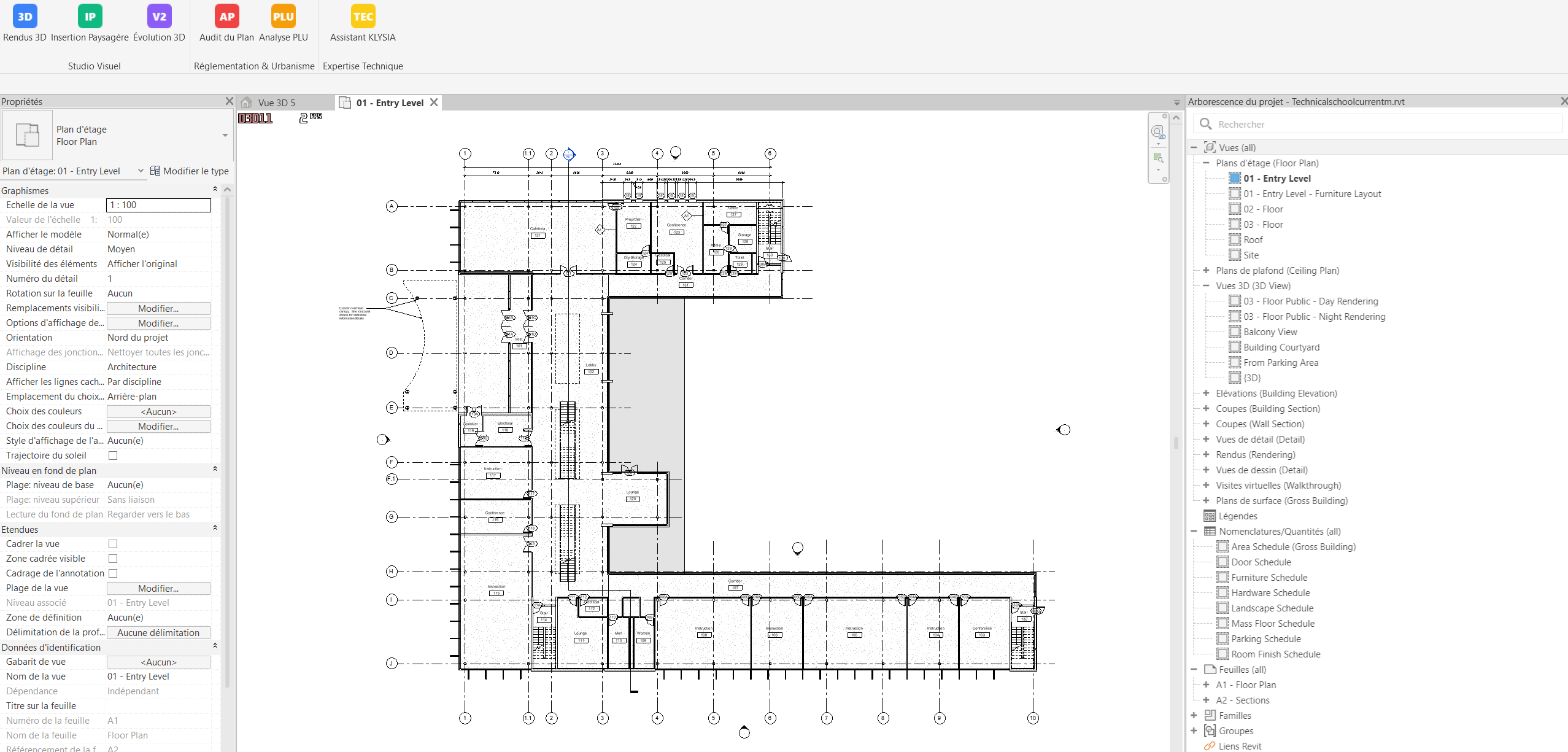
Sign in to your account in Autodesk Revit®
Open Autodesk Revit® (click “Always Load” if the Autodesk security window appears). In the top ribbon, open the Klysia Studio tab, launch a module (e.g. DWG to BIM or 3D Renders) and sign in with your email and password.
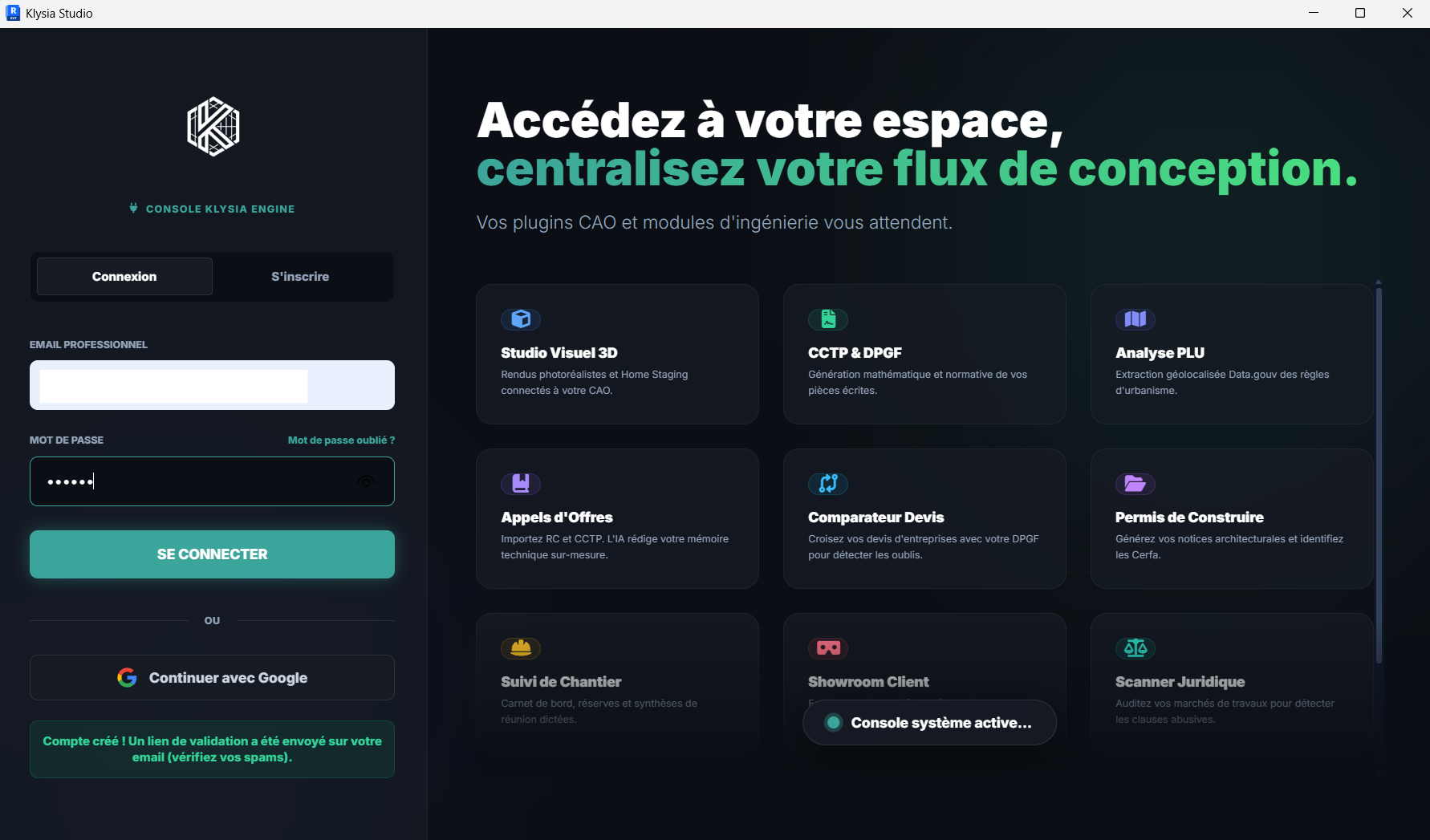
Important on first sign-in: Close then reopen the tool!
As soon as you are signed in, simply close the Klysia window by clicking the cross at the top right, then click the tool you want again in your Revit® ribbon.
This one-time step initializes the C# bridge between your session and the 3D geometry of your model.
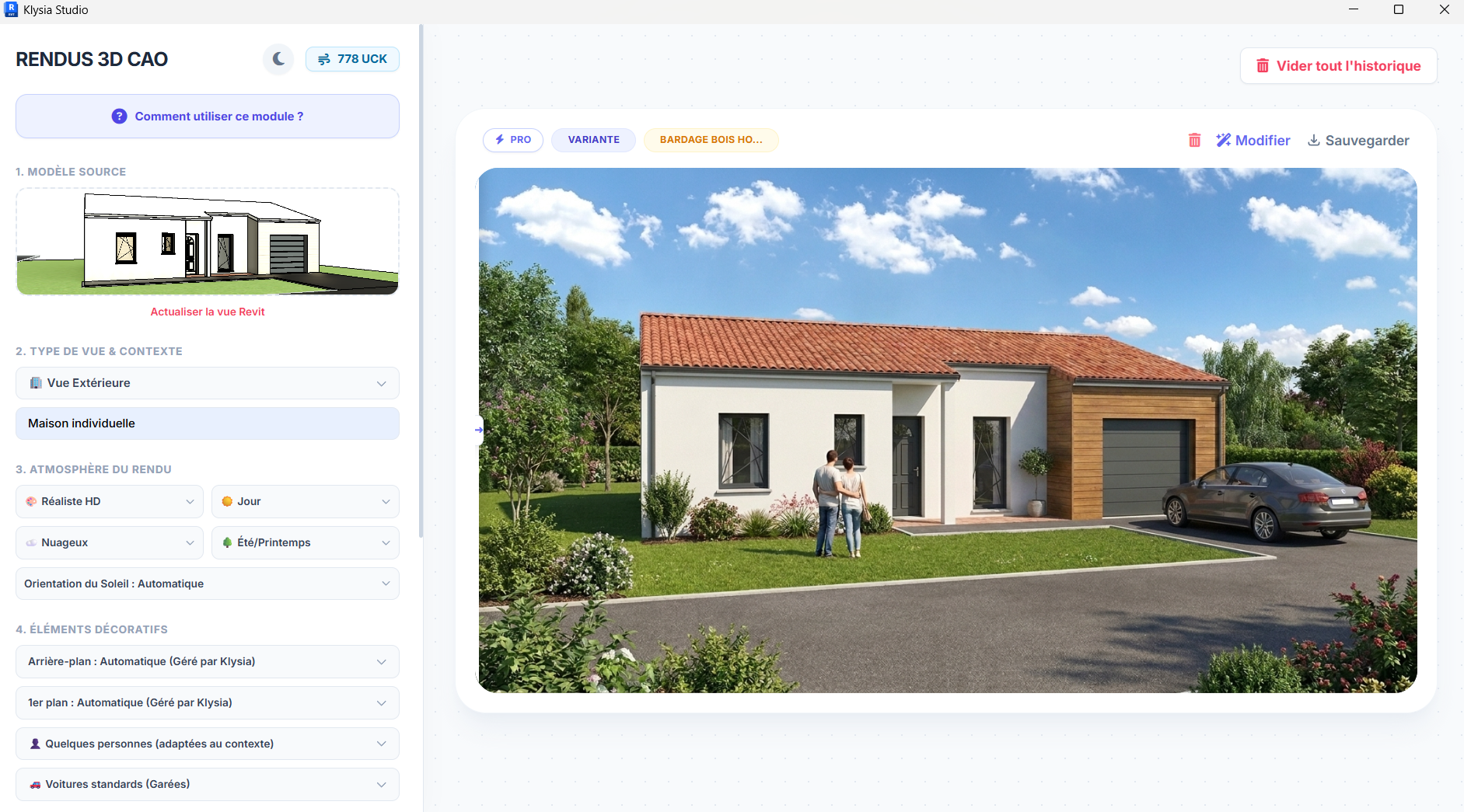
Access the Klysia Studio Web Console
Are you on the move, or do you want to use our cross-platform tools straight from your browser (3D rendering studio on image exports, site photomontage)?
And after your 100 trial UCK? A single license at €590 excl. VAT.
Unlike subscription-based competing plugins that wipe your credits every month, Klysia Studio works by one-time purchase: unlock the unlimited Production Hub and receive 3,000 UCK that never expire (i.e. 150 2K renders or 120 DWG-to-3D levels).